Original quality
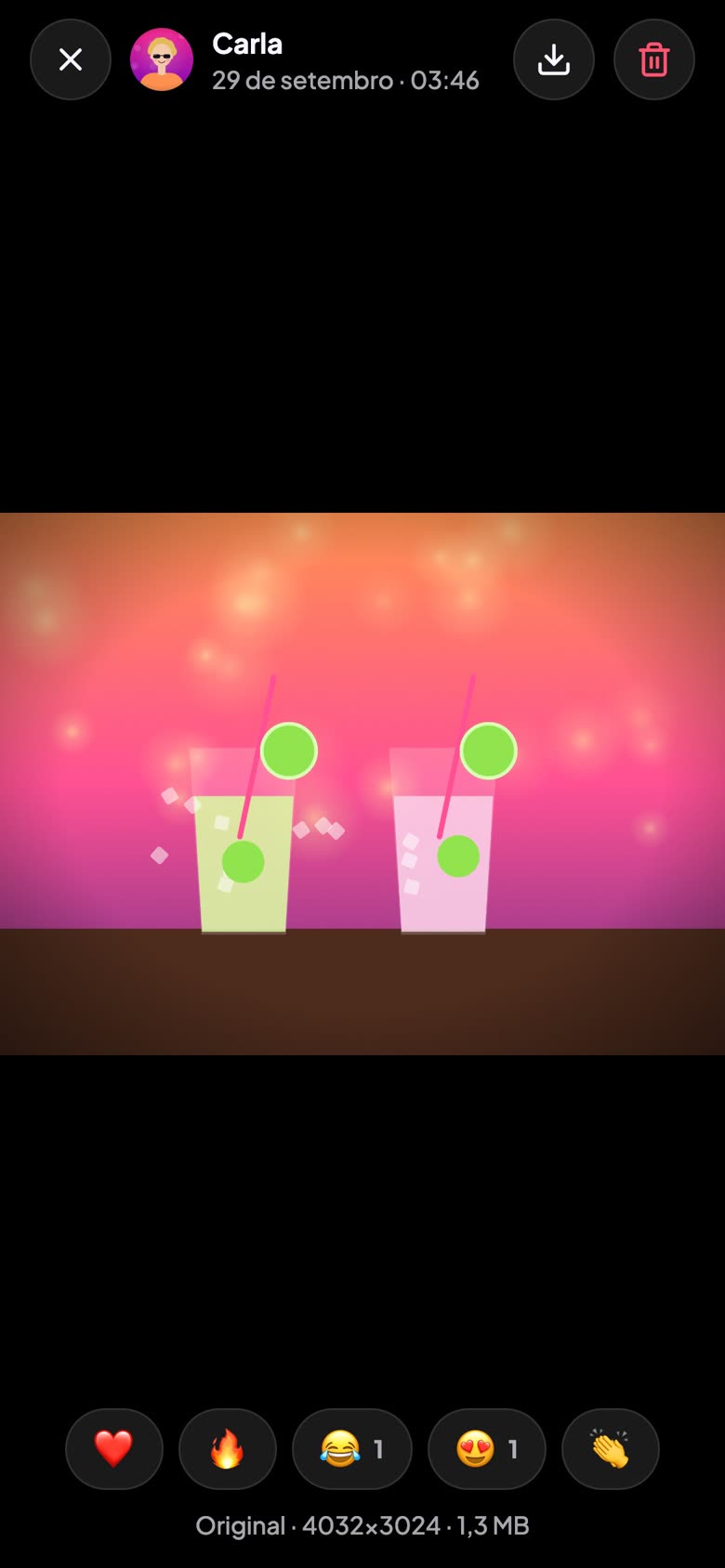
Files go straight from the phone to storage, byte for byte — and downloads give back the very same file.
For parties, trips and events
One QR code and you’re set: guests join the album, photos arrive in original quality and duplicates stay out. No sign-up, no password, no “send the pics to the group!”.
Works in the phone’s browser — nothing to install.
The problem
How it works
Built for the moment of the party: nobody wants to create an account or type a password with a drink in hand.
Give it a name, pick a cover and how long the event lasts. The QR code comes with it.
With the phone’s camera, nothing to install. A name and a selfie (or an emoji) and they’re in.
Everyone adds theirs and everyone sees them arrive live. At the end, the whole album comes out as a .zip.
Features
Files go straight from the phone to storage, byte for byte — and downloads give back the very same file.
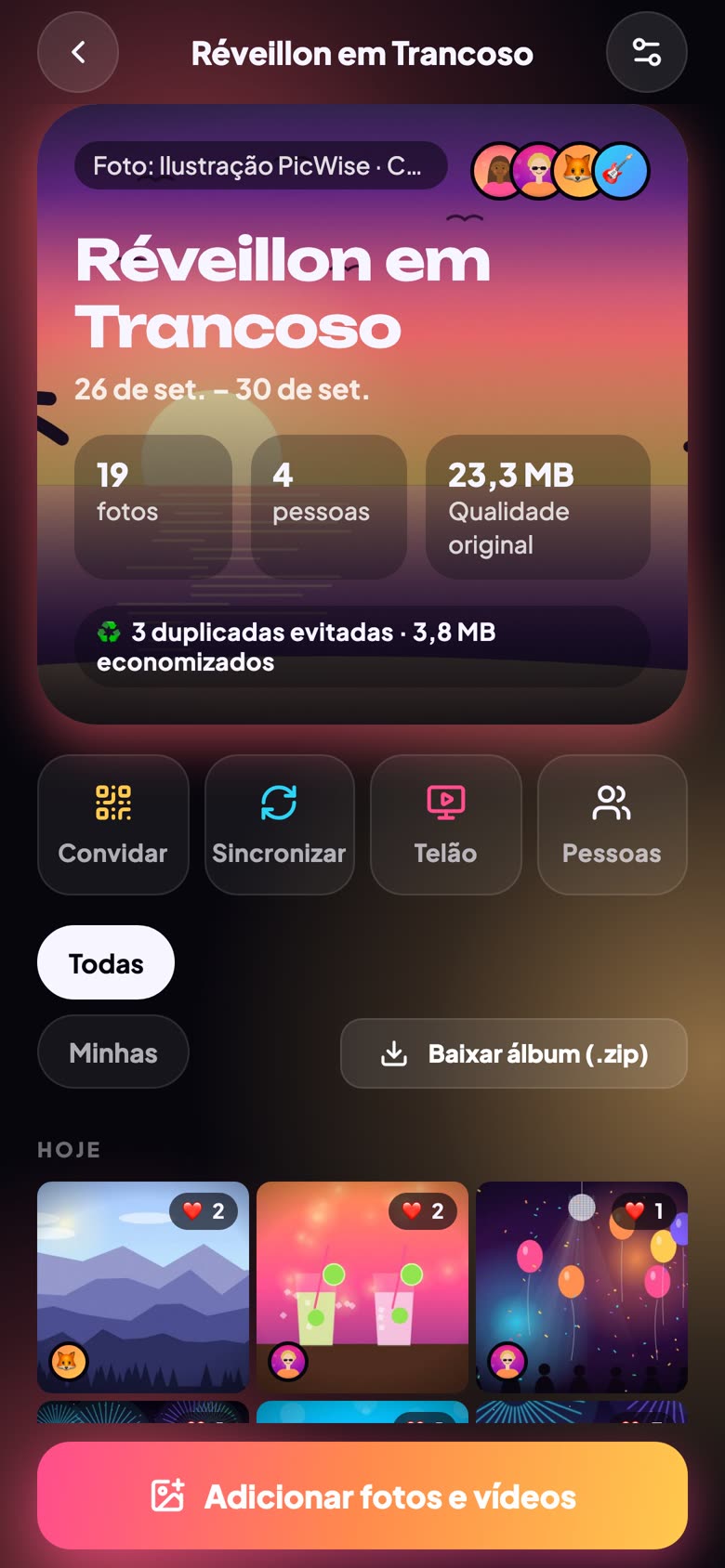
The same photo sent by two people is stored once, and the album shows the space saved.
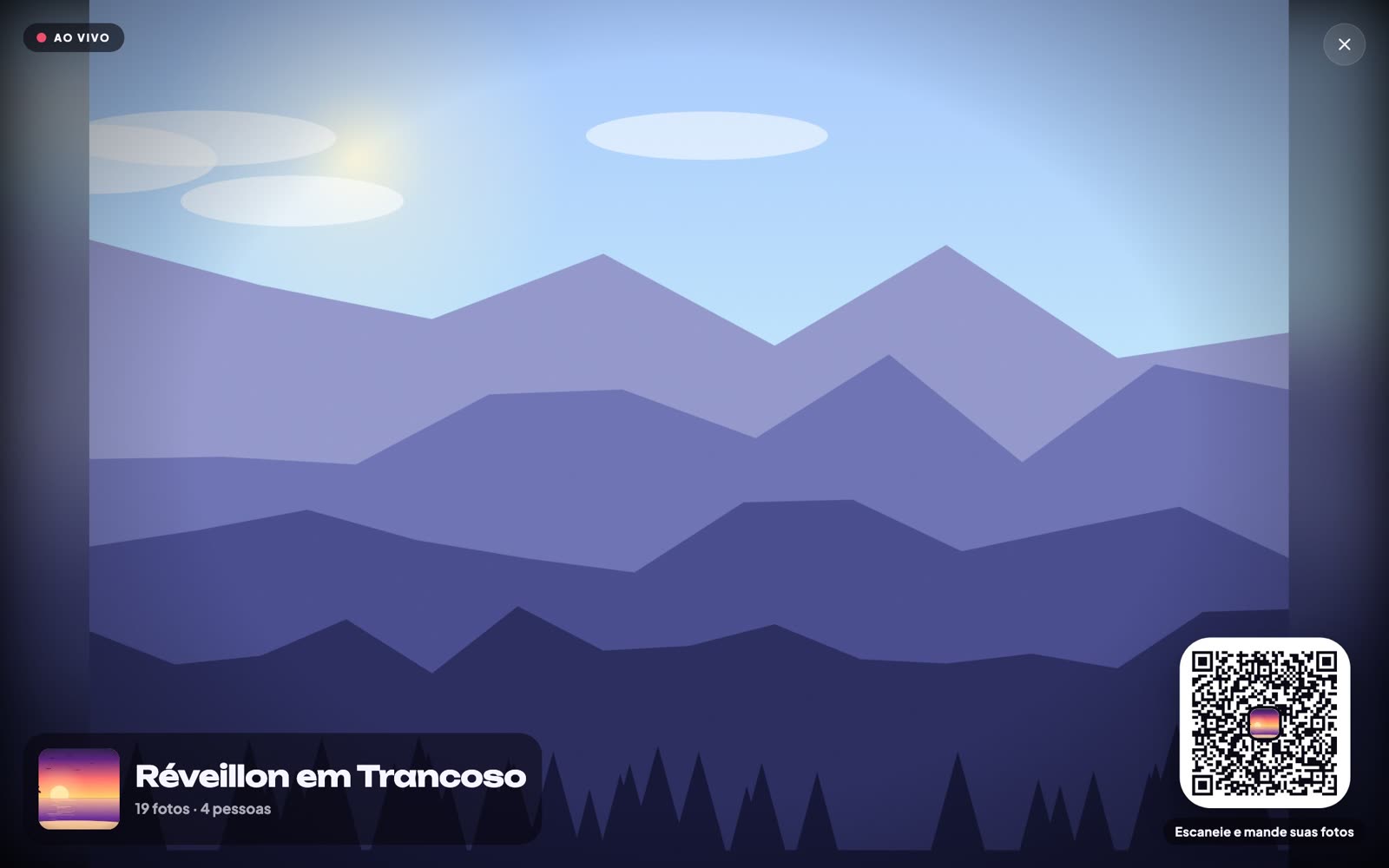
A laptop on the TV becomes a real-time slideshow, with the QR code on screen so more people join.
Videos in original quality, playing in the album and on the wall.
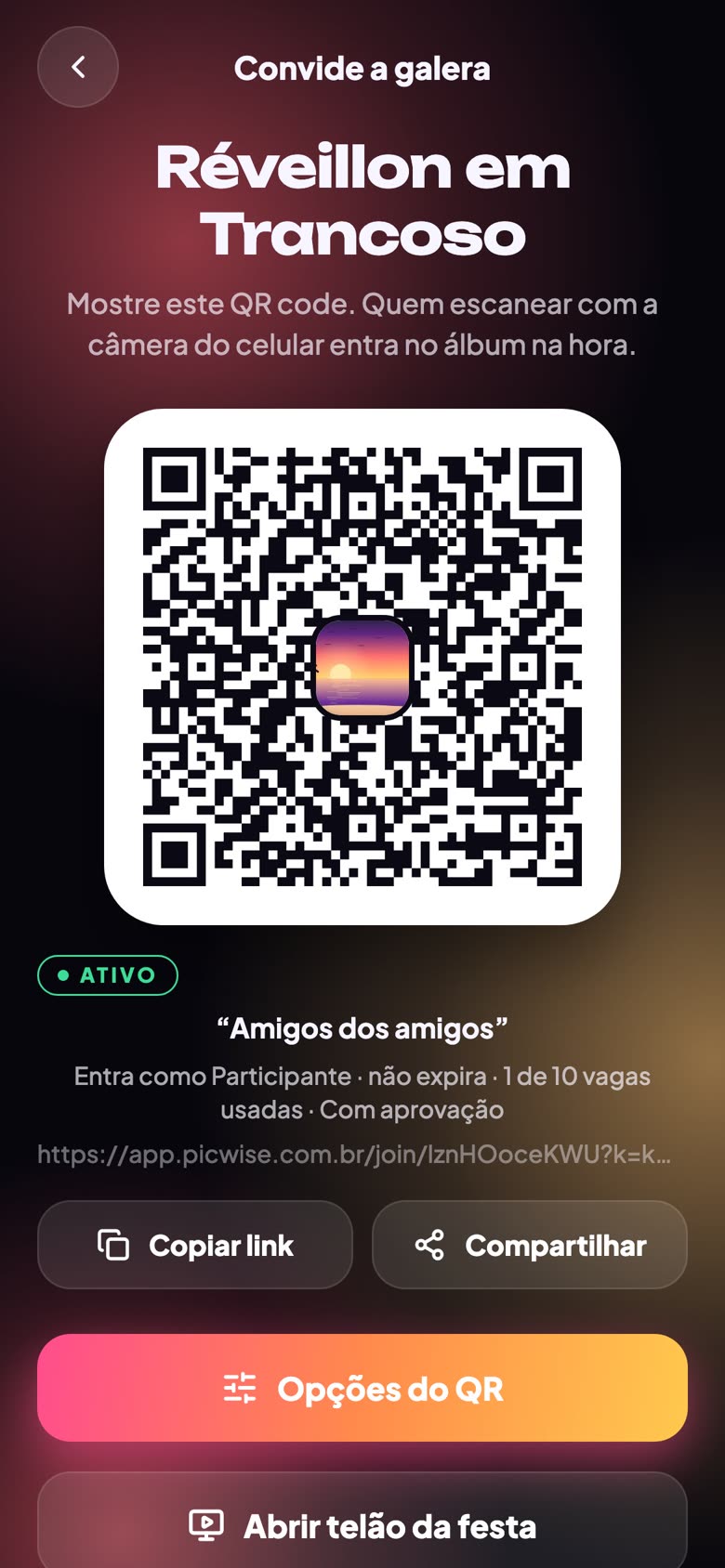
QR codes for contributors or view-only guests, with expiry, a guest limit and approval of who joins.
The app sends the photos taken during the event on its own — and, if you like, waits for your approval before sharing.
Coming to iPhone and AndroidInside
No. PicWise opens in the browser on phones and computers: whoever scans the QR code lands right in the album. Apps for iPhone and Android are on the way.
No. Every photo and video goes straight to storage exactly as it left the phone, and downloads give back the original file.
Only people who joined through the QR code or the invite link. The album’s creator decides whether guests add photos or only view, can require approval and turn the QR code off at any time.
PicWise recognizes the content before uploading and keeps a single copy — nobody spends data or space twice.
Yes: the whole album comes out as a .zip of the originals, and every photo can be downloaded on its own.
Create it in seconds, show the QR code and let the photos come together.
Create my album